✦ Insights & Updates

TenseAi Journal

Product deep dives, AI workflow playbooks, and system-level thinking from the team building the future of autonomous workflows.
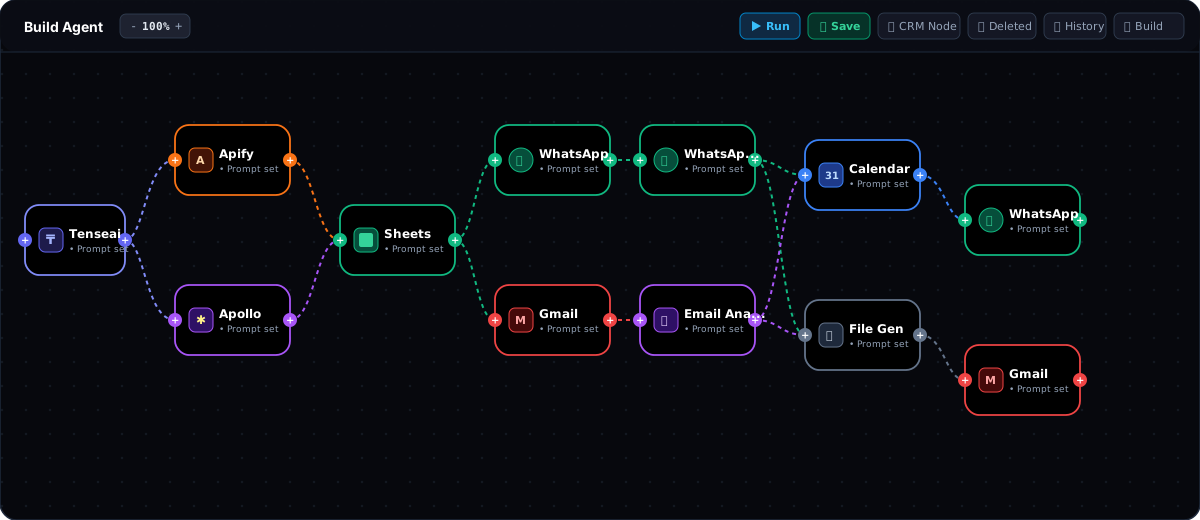
Agent Dashboard

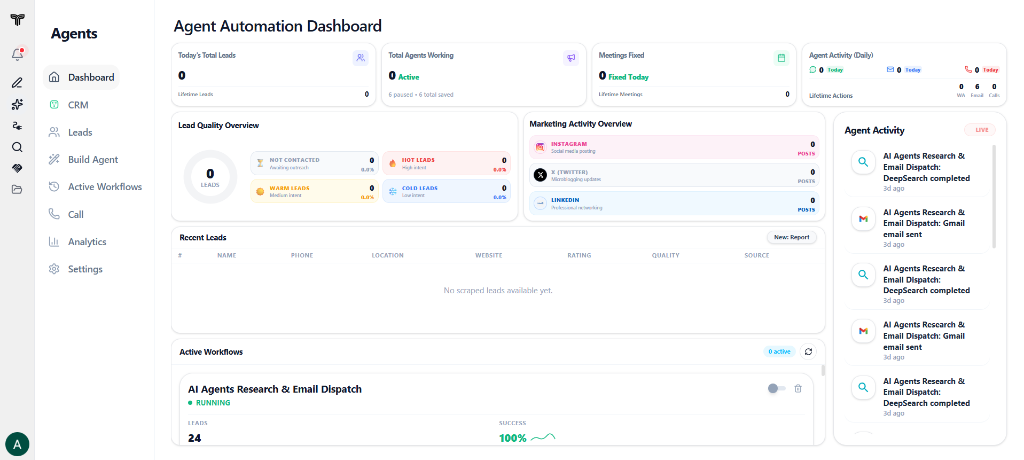
Inside the TenseAi Agent Automation Dashboard: Mission Control for AI Operations

Monitor agent fleets and live operations from one command center.

Templates

Mastering TenseAI Workflow Templates: The Complete Step-by-Step Guide

Master ready-to-run multi-tool automation templates.

Automation

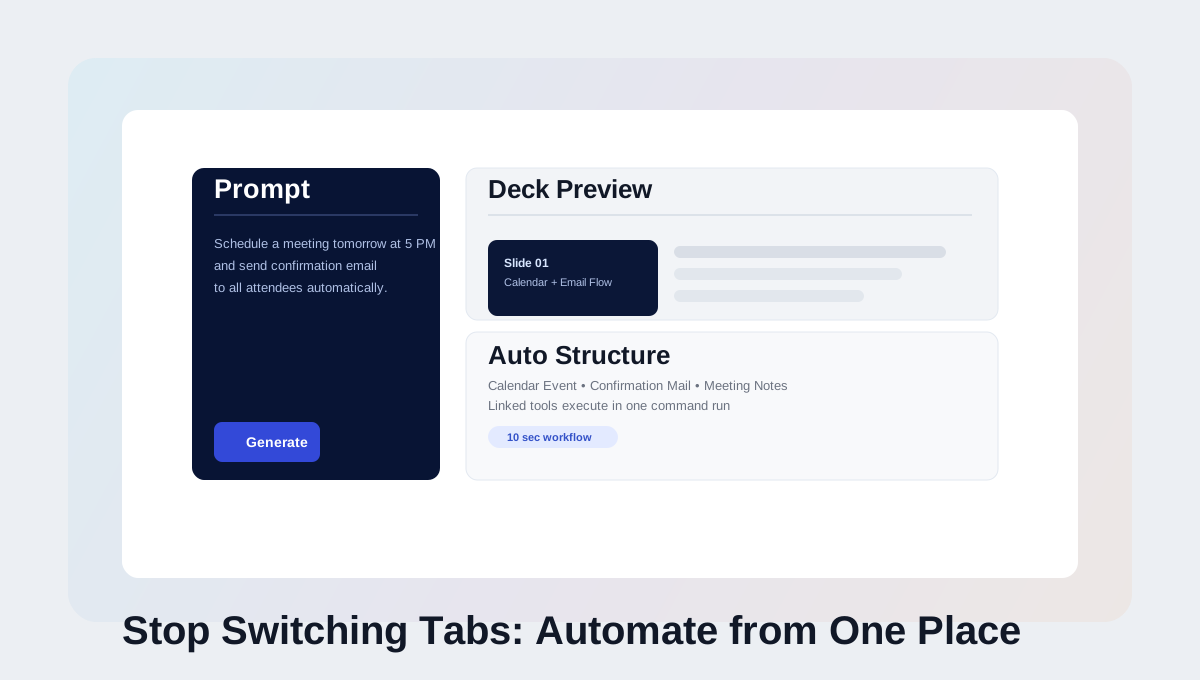
Stop Switching Tabs: Automate Everything from One Place

Automate all your workflows from a single AI interface.

Google Forms Automation

How to Create Google Forms Automatically Using TenseAI

Generate Google Forms instantly using AI automation.

Google Sheets Automation

How to Connect Google Sheets in TenseAi and Automate Spreadsheet Creation

Create and manage spreadsheets using simple commands.

Google Calendar Automation

How to Connect Google Calendar in TenseAI for Task Automation

Automate scheduling, events, and reminders with AI.

Google Meet Automation

How to Connect Google Meet in TenseAI and Schedule Meetings Automatically

Schedule and manage video meetings automatically.

Google Drive Automation

How to Connect Google Drive in TenseAI and Create Folders Automatically

Create folders and organize cloud storage effortlessly.

Gmail Automation

How to Connect Gmail in TenseAI and Automate Email Sending

Send emails automatically using AI natural prompts.

Executing Ideas

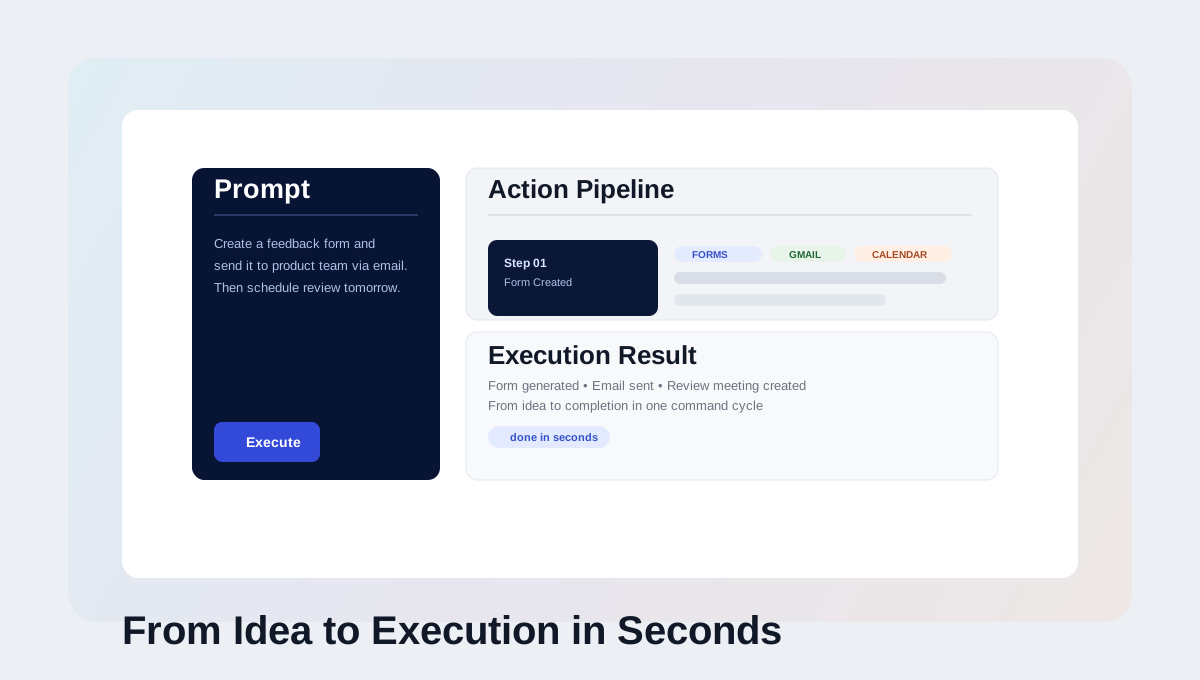
From Idea to Execution in Seconds with AI Automation

Turn thoughts into completed actions in seconds.

Slide Generation

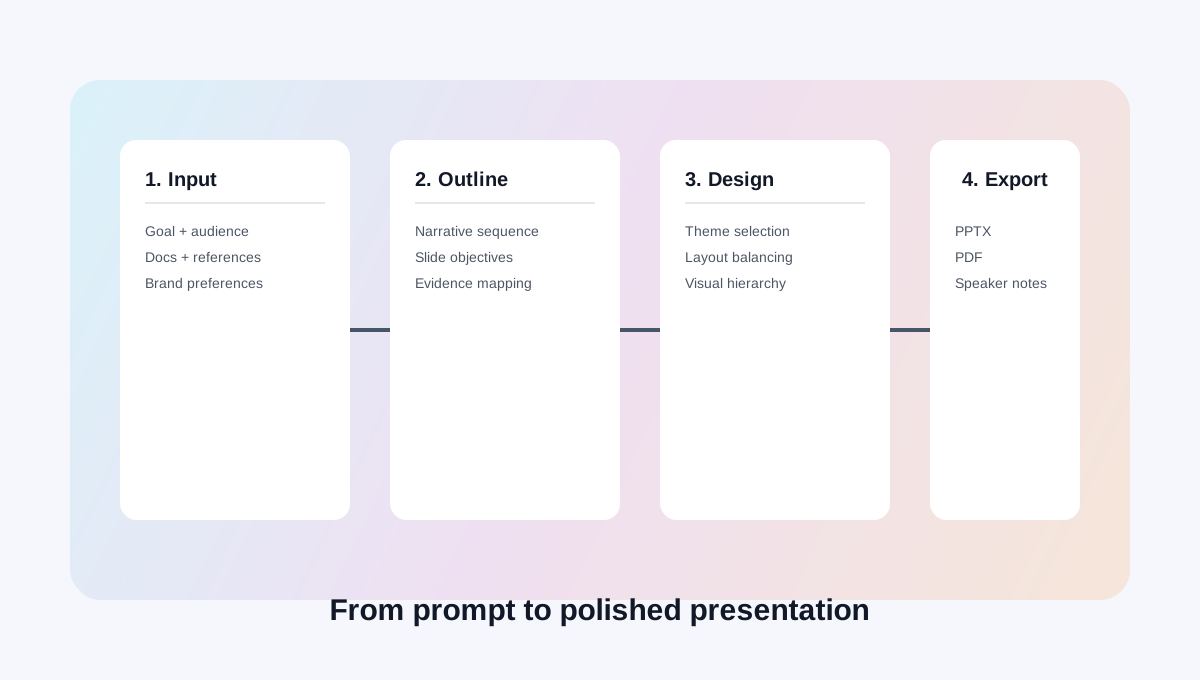
TenseAi Slide Generation

Build client-ready slide decks from simple prompts.

Tool Automation

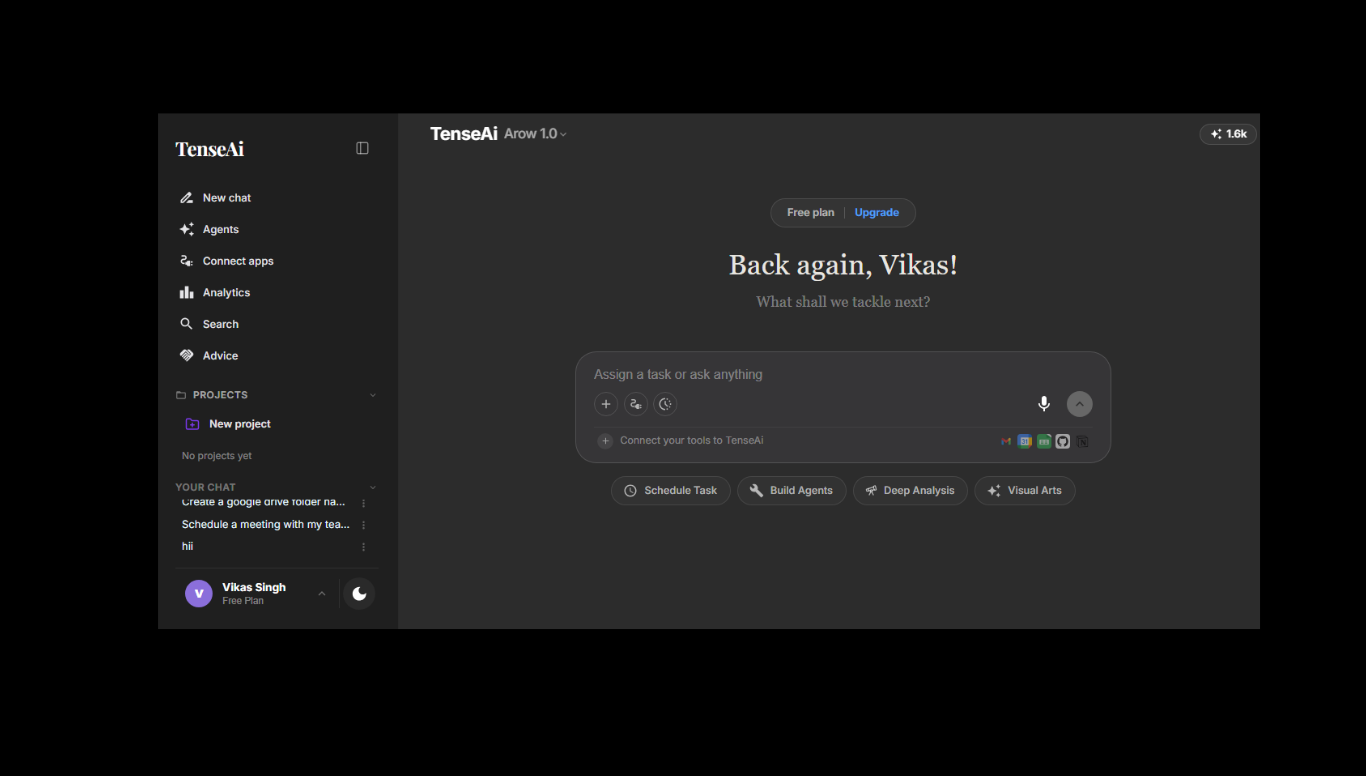
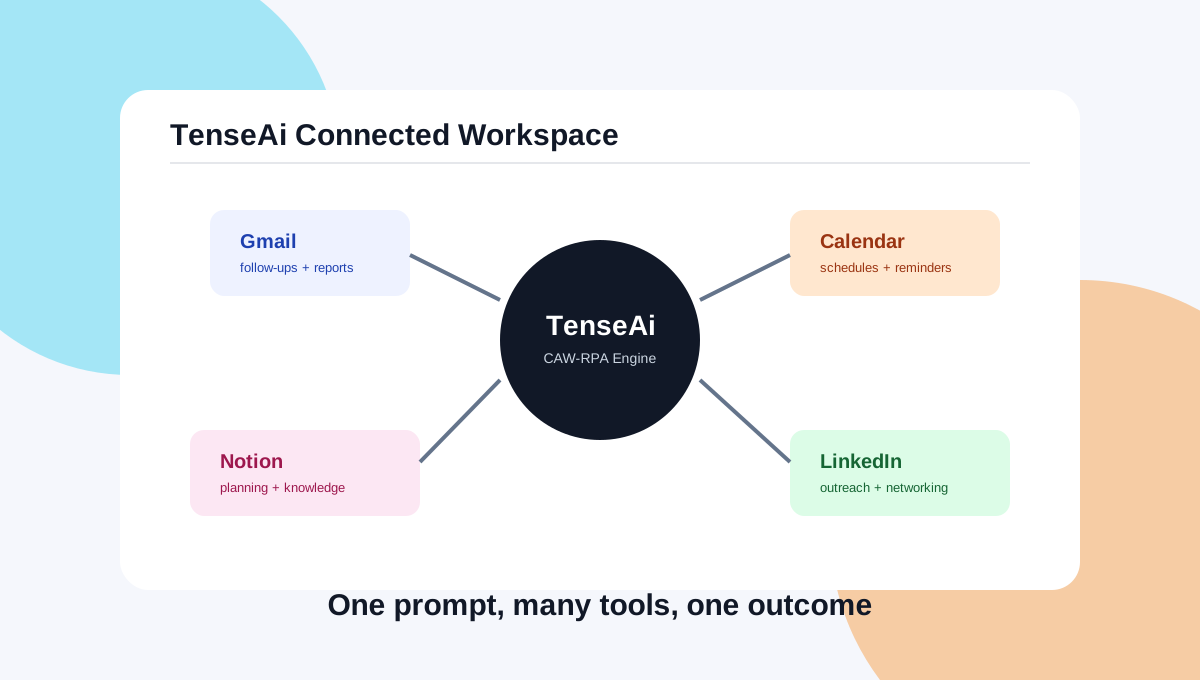
TenseAi: Chatting Based AI Automation Tool

Turn scattered workflows into one chat-driven system.

AROW

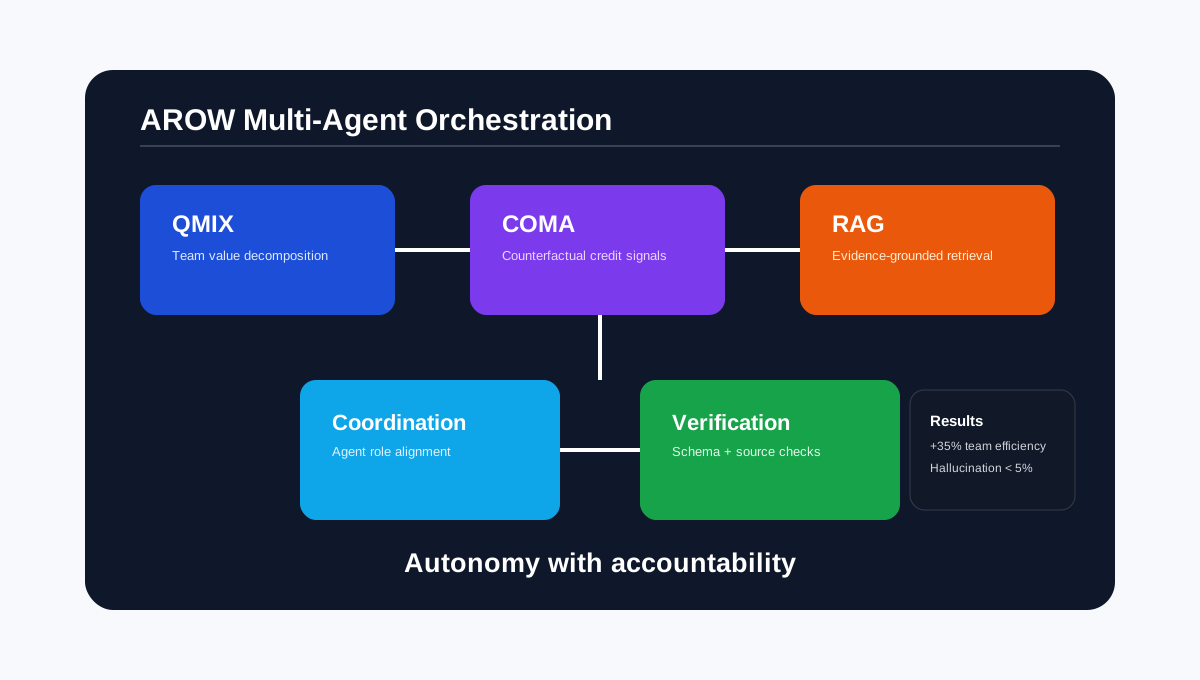
TenseAi AROW: From Chaos to Seamless AI Flow

Discover how QMIX, COMA, and RAG power AROW to reduce hallucination, improve coordination, and deliver trustworthy agentic workflows.

Projects

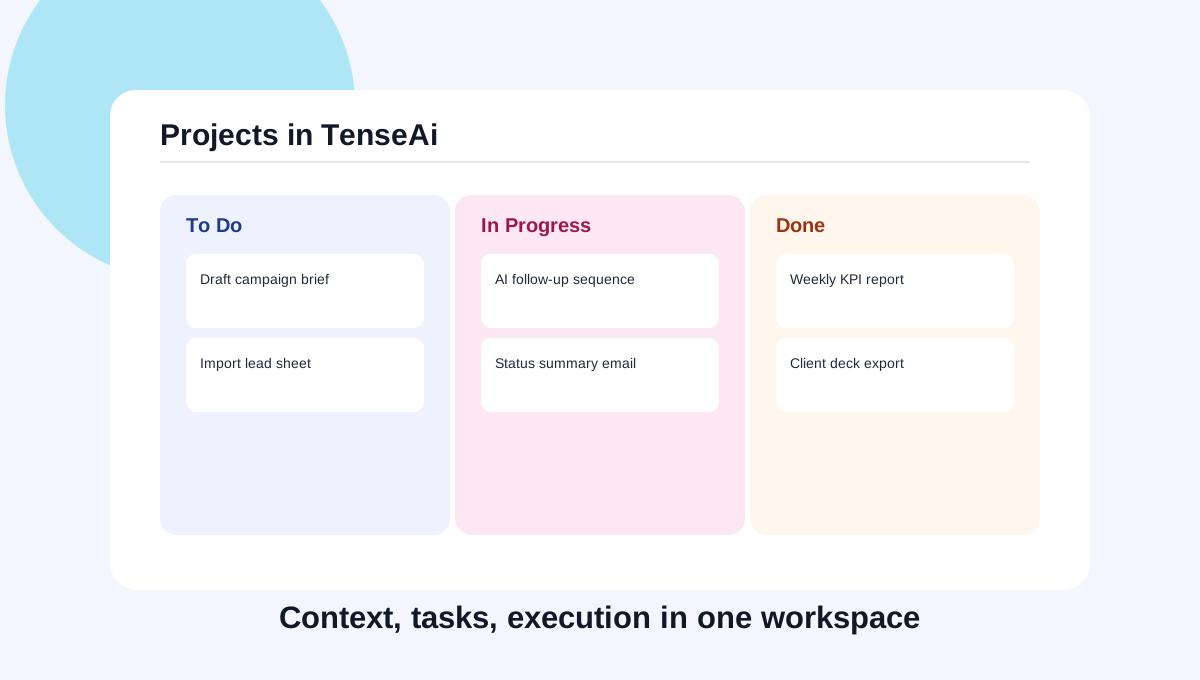
Projects in TenseAi

Explore how Projects keeps context, files, tools, and automation in one workspace so your team can move from prompt to execution without context loss.