Workflow Design
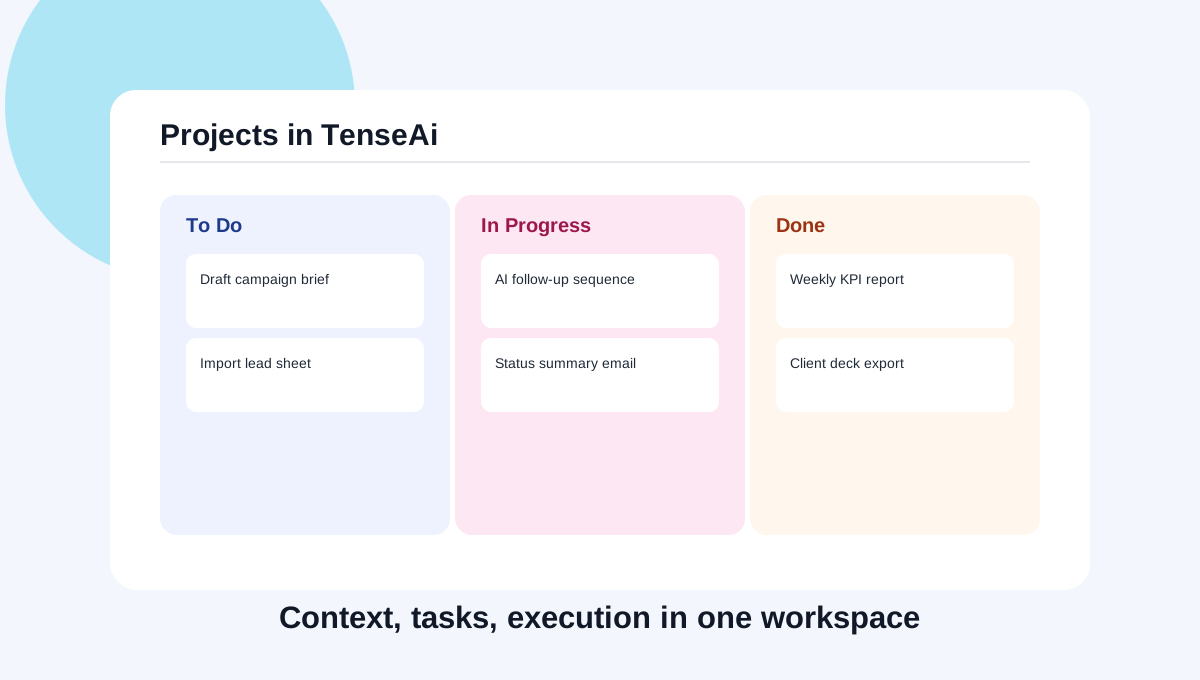
Projects in TenseAi
TenseAi Projects turn AI from a chat interface into a context-aware execution workspace for teams, campaigns, operations, and sales.

TenseAi Product Team
Workflow Intelligence
Mar 8, 2026
12 min read
TenseAi Projects turn AI from a chat interface into a context-aware execution workspace for teams, campaigns, operations, and sales.
TenseAi Product Team
Workflow Intelligence
If AI usage means opening new chats and losing history, productivity stalls. TenseAi Projects introduces persistent context workspaces where tasks, files, and automations remain connected.
Creating a project is intentionally simple so teams can start fast. Open the Create Project flow, set a clear project name, write a specific description, and optionally choose tags like Writing, Travel, Homework, or Investing. The description is the most important part because it tells TenseAi how the workspace should think and execute.
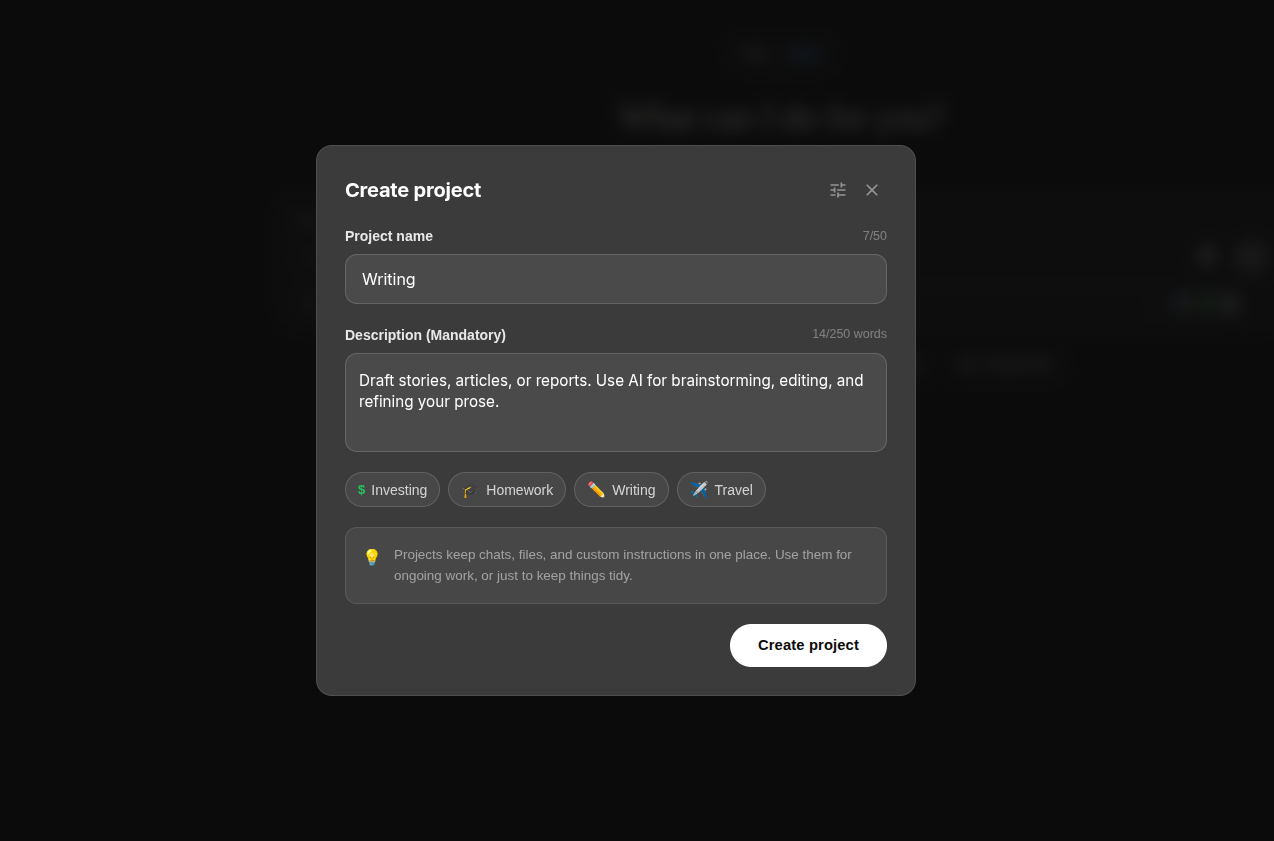
A weak description creates weak outputs. A strong description gives TenseAi a clear operating context. Instead of writing 'Help me write', write something precise such as: 'Draft weekly product update emails in concise professional tone, include owner and deadlines, and always end with next actions.' This turns generic AI replies into repeatable team-grade execution.
Projects can be split by domain: sales, content, operations, and support. Each workspace learns patterns independently, keeping automations relevant and reducing cross-team noise.
Projects are not just storage spaces for chats. They are execution containers. You can keep files, run recurring commands, connect tools, and preserve the full context of decisions over time. This makes every new instruction smarter because the workspace already knows your direction.
Once a project is created, connect the tools that project needs such as Gmail, Calendar, Sheets, Notion, or LinkedIn. After this one-time setup, commands can execute across those tools from a single prompt. That means less time moving information manually and more time validating outcomes.
Suppose you create a project named Writing with a description like: 'Draft long-form blog posts, improve clarity, suggest SEO headings, and maintain an expert but simple tone.' In this project, your team can brainstorm topics, generate outlines, draft full articles, and create distribution snippets. Every asset stays connected, so editing and publishing become faster each week.
This is the real value of Projects in TenseAi: continuity. The workspace does not forget your style, your priorities, or your workflow logic between sessions. Over time, that continuity converts scattered prompts into a reliable execution system.
The outcome is practical: login, connect tools, set intent, and let TenseAi coordinate execution while your team focuses on decisions.