Tech
How to Connect Google Calendar in TenseAI for Task Automation
Learn how to connect Google Calendar with TenseAI and automate meeting scheduling using simple commands.

TenseAi Developer Team
Apr 09, 2026
4 min read
Learn how to connect Google Calendar with TenseAI and automate meeting scheduling using simple commands.
TenseAi Developer Team
"Google Calendar integration with TenseAI makes **scheduling meetings and managing events** simple, fast, and efficient. Instead of manually planning everything, users can just give a command, and TenseAI **automatically handles event creation, updates, and reminders**. This smart automation improves productivity, ensures better time management, and helps teams stay organized and coordinated without any extra effort."
TenseAi Developer
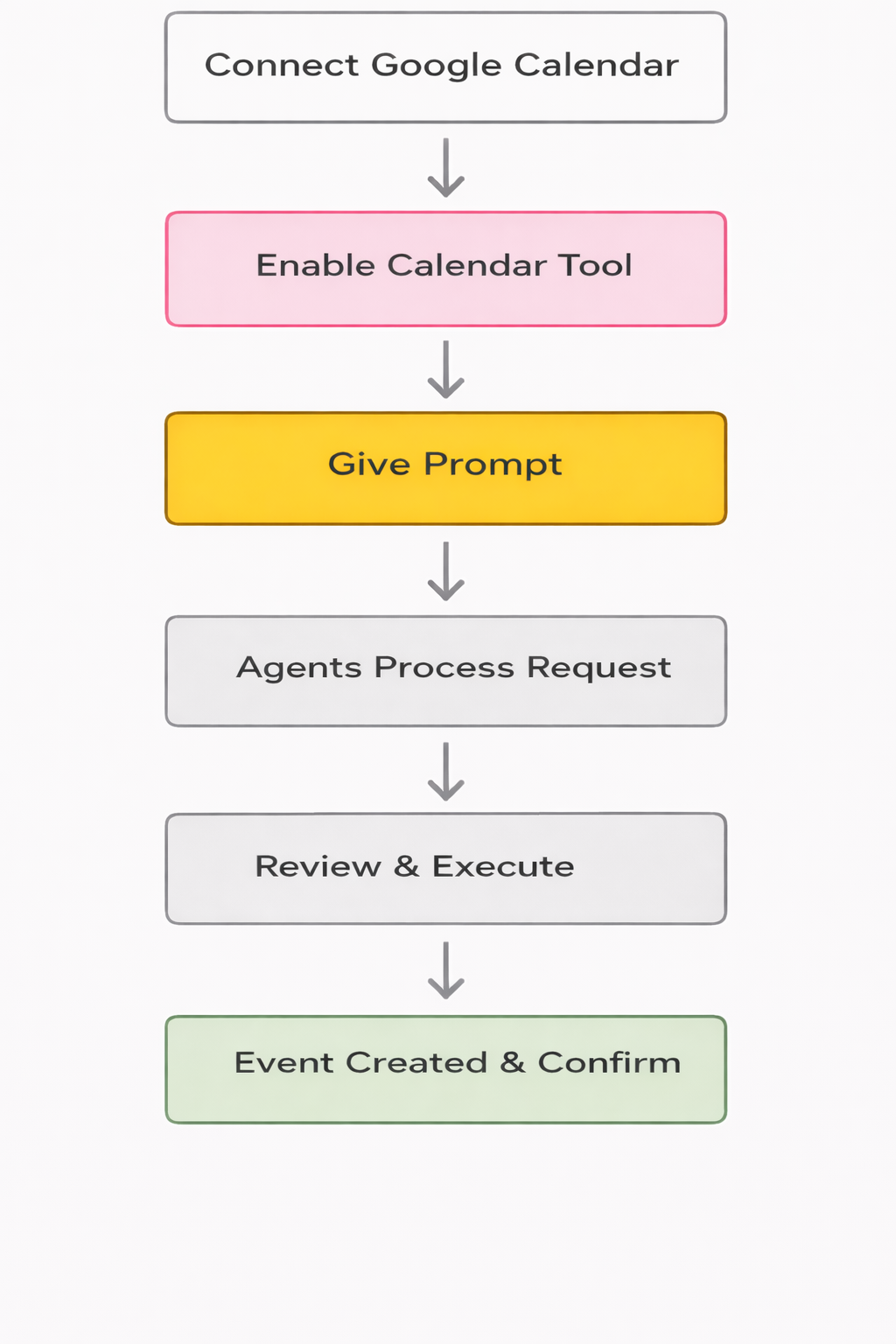
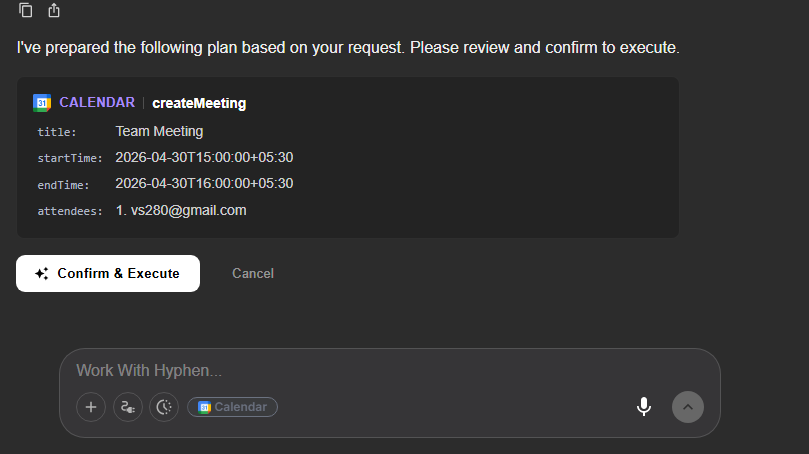
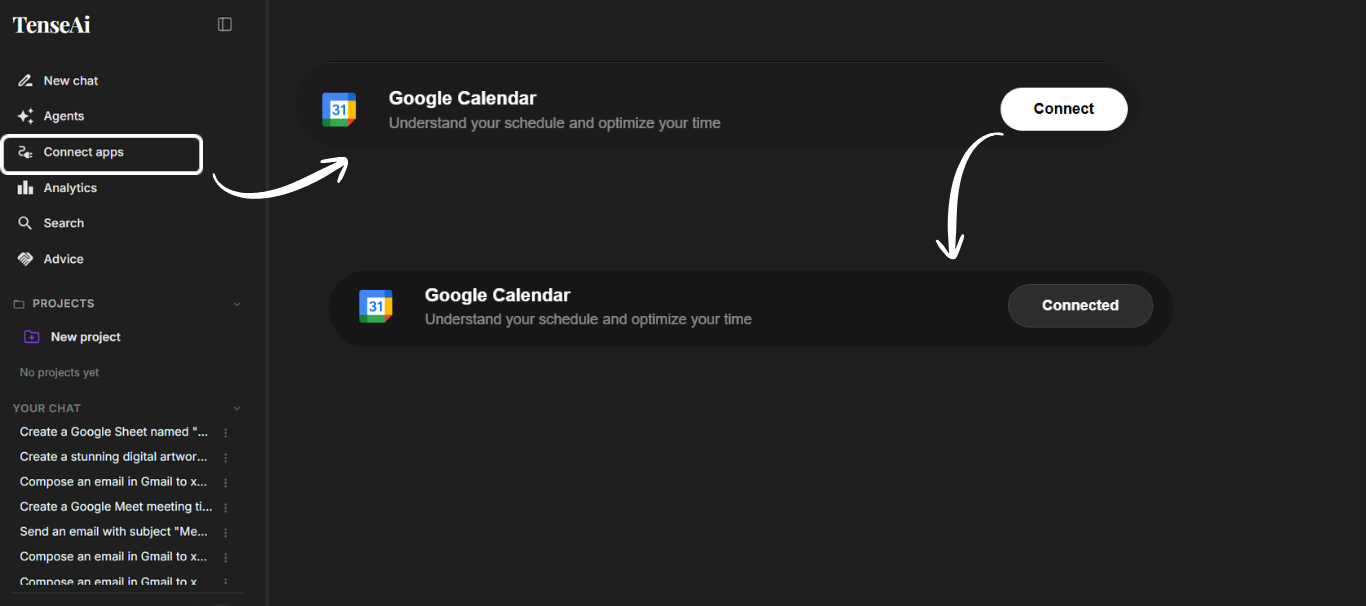
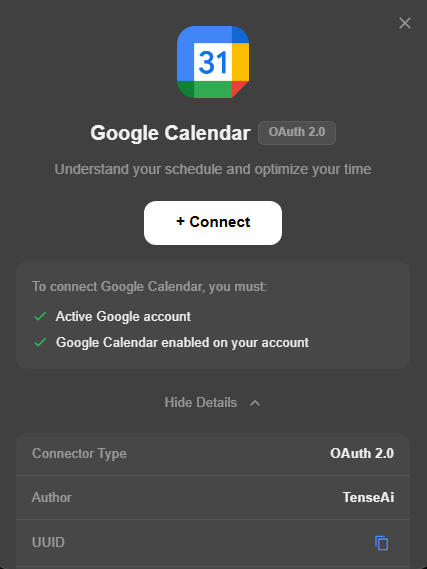
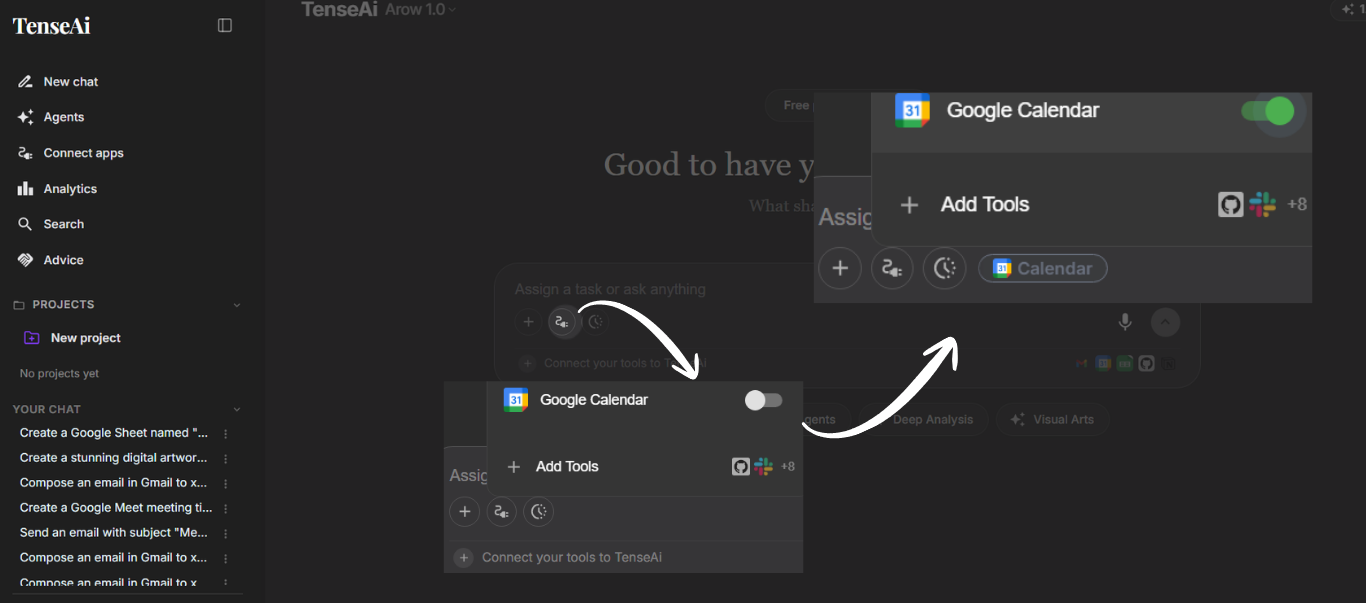
Integrating Google Calendar with TenseAI makes meeting scheduling simple and fully automated. Instead of handling everything manually, you can just give a command, and TenseAI takes care of creating events, updating schedules, and setting reminders. This smart automation ensures better time management and keeps your team organized effortlessly.
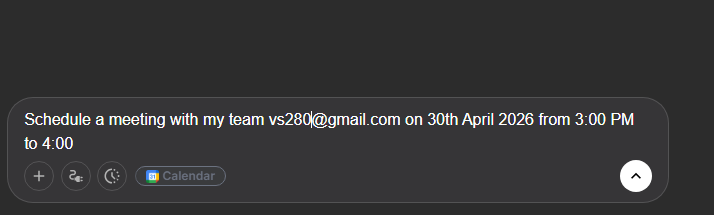
PROMPT:
Schedule a meeting with my team vs280@gmail.com on 30th April 2026 from 3:00 PM to 4:00.