Google Meet Automation & Meeting Intelligence with TenseAI
Automate meeting scheduling, generate Meet links, and manage collaboration using AI.
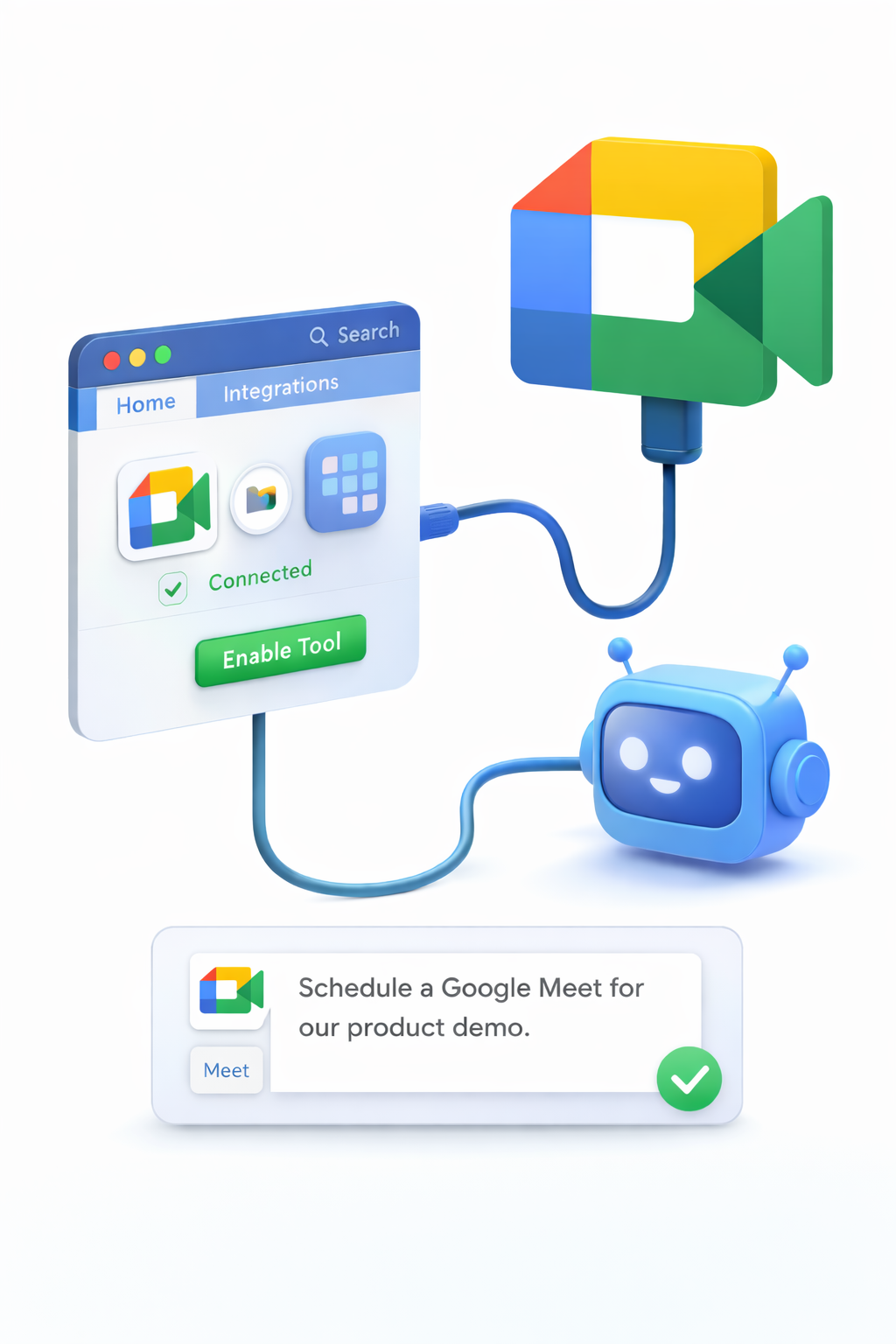

TenseAI simplifies meeting management by automating Google Meet workflows such as link generation, scheduling, and collaboration setup. Using natural language commands, you can create meetings instantly without manually configuring details.
Whether you're organizing team calls, client meetings, or quick sync-ups, TenseAI acts as your AI-powered meeting assistant to streamline collaboration.
Secure Google Meet Integration
TenseAI connects to Google Meet using OAuth 2.0 authentication, ensuring secure and permission-based access. Your meeting data remains private, and you can revoke access anytime through your Google account settings.
Only the required permissions are used, making automation safe and reliable.
What You Can Automate with Google Meet
Example AI Commands
“Schedule a Google Meet with the design team tomorrow at 3 PM and share the link.”
“Create a quick meeting link and send it to the project group.”
These commands help you automate meeting setup and reduce manual coordination.
How It Works
Key Benefits of Meeting Automation
Best Practices for Better Collaboration
Start Automating with TenseAI
Build production-grade, multi-tool workflows with Kahn's DAG compilation and Universal Output Envelopes.