Effortless Scheduling with Google Calendar & TenseAI
Automate meeting scheduling, reminders, and availability using AI-powered calendar automation.
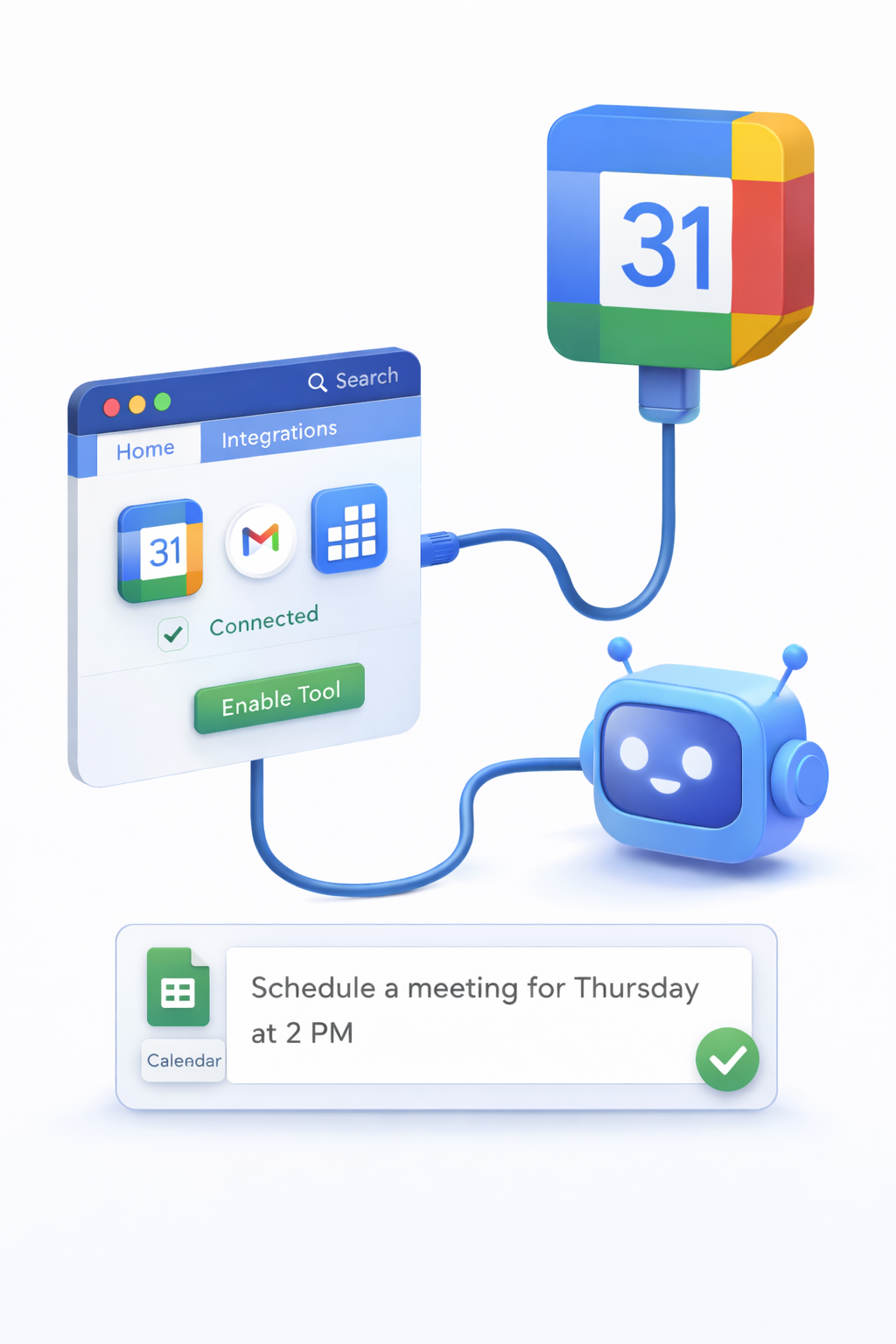
TenseAI helps you automate scheduling, manage meetings, and organize your calendar using simple natural language commands. Instead of manually checking availability or setting reminders, you can rely on AI to handle your calendar efficiently.
From scheduling meetings to managing daily tasks, TenseAI works as your AI-powered calendar assistant for better time management and productivity.
Secure Google Calendar Integration
TenseAI connects to Google Calendar using OAuth 2.0 authentication, ensuring secure and permission-based access. Your data remains private, and you can revoke access anytime from your Google account settings.
Only the required permissions are used, making scheduling automation both safe and reliable.
Key Features of Calendar Automation
What You Can Do with TenseAI Calendar
Example AI Commands
“Schedule a 30-minute meeting with the marketing team tomorrow at the earliest available slot.”
“Check my free time this week and block 2 hours for deep work.”
These commands help you automate scheduling tasks and eliminate manual calendar management.
How It Works
Key Benefits of AI Scheduling
Best Practices for Better Scheduling
Start Automating with TenseAI
Build production-grade, multi-tool workflows with Kahn's DAG compilation and Universal Output Envelopes.