How to Connect Gmail to TenseAi (Complete Setup Guide)
Step-by-step guide to securely connect Gmail with TenseAi and automate email workflows using Ai.
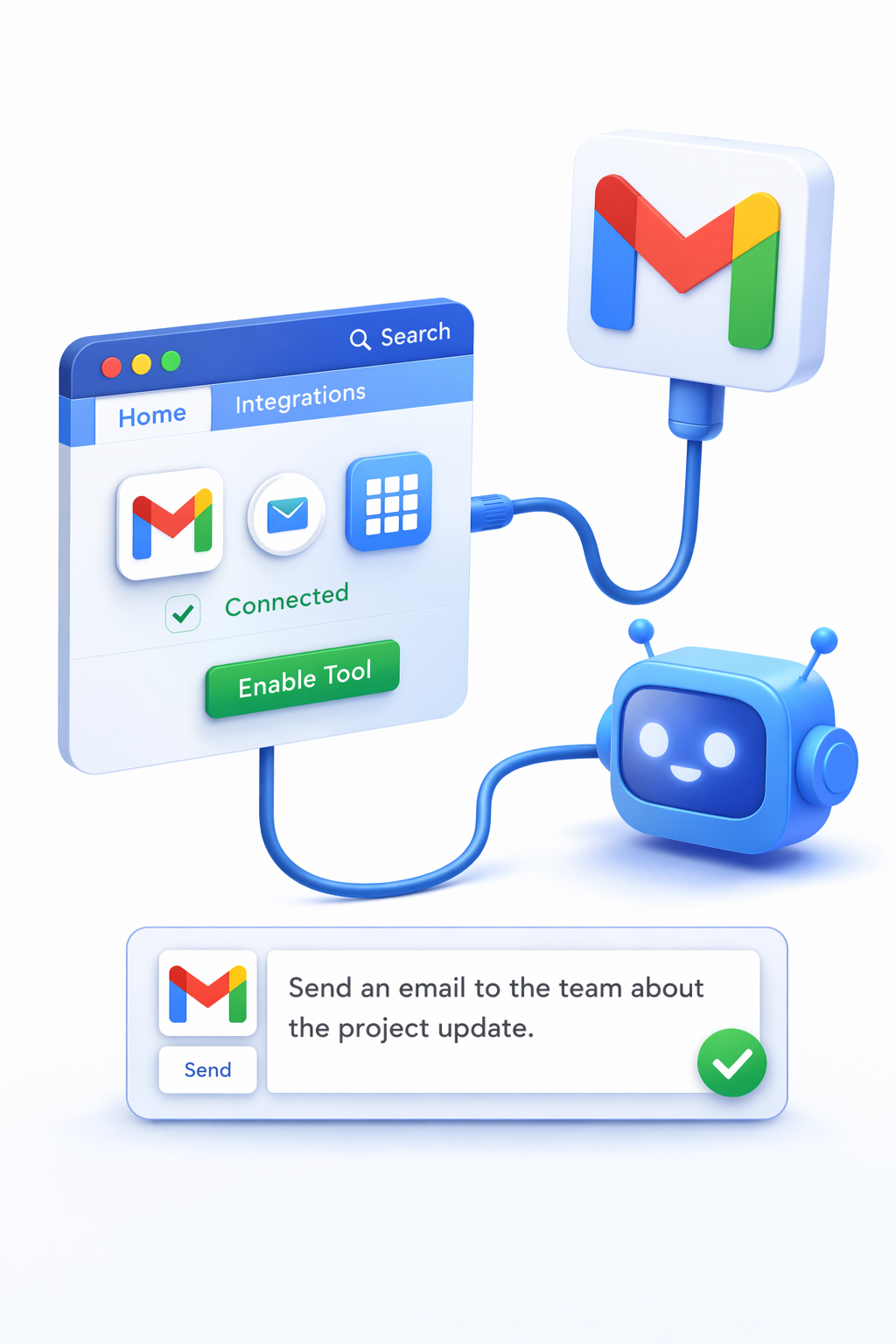
Connecting your Gmail account to TenseAI allows you to automate email workflows, manage communication efficiently, and save time using AI-powered actions. With seamless integration, you can send emails, draft replies, and organize conversations directly through natural language commands.
This guide will help you securely connect Gmail and start using TenseAI as your AI email assistant for productivity and workflow automation.
Secure Gmail Integration with OAuth 2.0
TenseAI uses Google’s OAuth 2.0 authentication system to ensure a secure connection between your Gmail account and the platform. Your login credentials are never stored, and access is limited only to the permissions required for automation.
You can revoke access anytime from your Google account settings, giving you full control over your data and integrations.
How to Connect Gmail to TenseAI
What You Can Do with Gmail + TenseAI
Example AI Commands
“Summarize my unread emails and draft replies for urgent ones.”
“Send a follow-up email to clients who haven't replied in 3 days.”
These commands help you automate repetitive communication tasks and focus on high-value work.
Key Benefits of Gmail Integration
Best Practices for Better Results
Start Automating with TenseAI
Build production-grade, multi-tool workflows with Kahn's DAG compilation and Universal Output Envelopes.